
How To Create a Content Library Sub folder
Here’s a quick guide on how to create a Content Library Subfolder:
Note: New demo videos are coming soon. Please refer to the visual guides and steps provided below in the meantime.

The Process:
Log in to: https://partner.wisdome.site/login.

2. Select ‘Content Library Folder’ from the sidebar menu, then click ‘Create Sub Folder.’

3. Add the following details:
Title (maximum 50 characters)
Subtitle (maximum 150 characters)
Cover image (1000 X 1000 px)
Schedule date
Expiry Date: Select this option to make content accessible only for a specified time.
Member Level Access
Note:
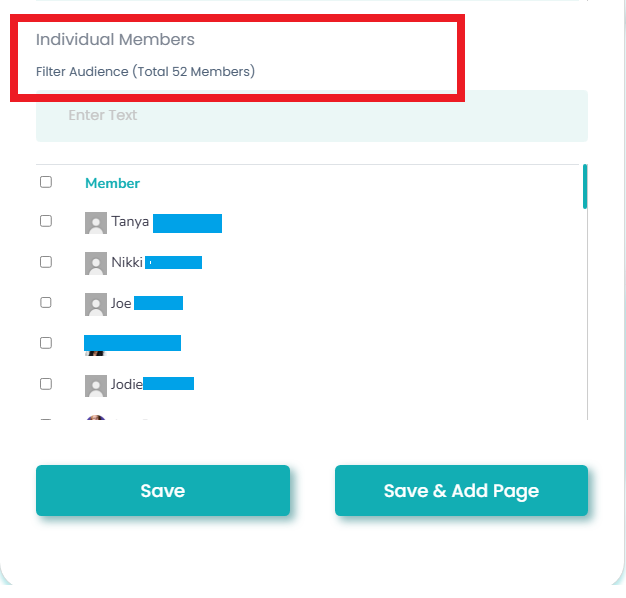
To give individual access, select the checkbox next to your member’s name.
4. Click 'Save.'