
How to Sign Up and Set Up Your Wisdome Partner Account
Watch our Demo 👇
Goal:
This guide will help you sign up for a Wisdome account and prepare necessary details to set up your membership business.
The Process:
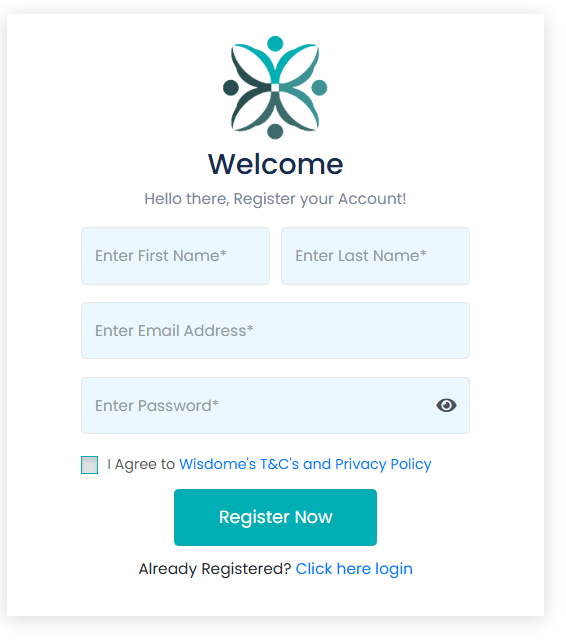
1. Go to https://partner.wisdome.site/signup and enter the following information":
Name
Email
Password
2. Review our terms and conditions and tick the box to agree to Wisdome's T&C's and Privacy Policy.
3. Cick the ‘Register Now’ button.
** At this point, you will need to go into your email and grab your 4-digit verification pin.
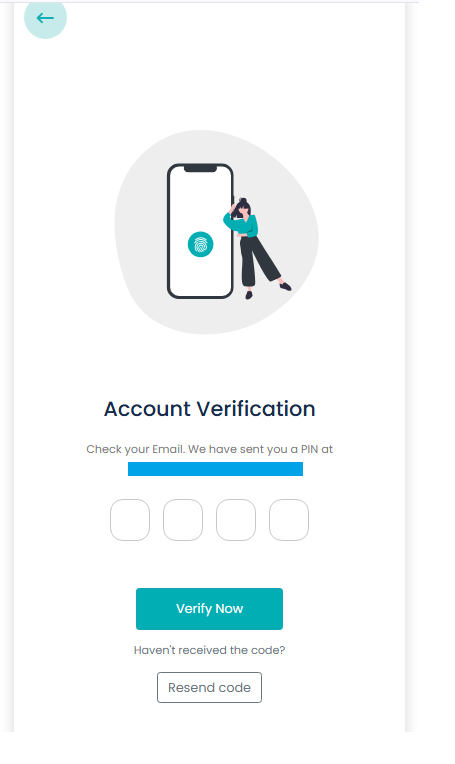
4. Enter your code and then hit "Verify Now."
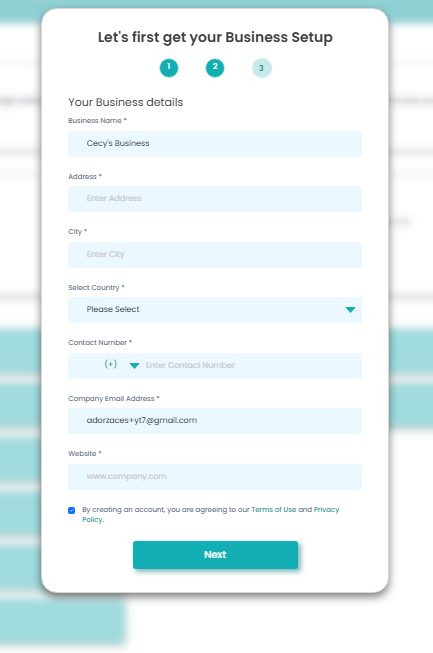
5. Add the following details:
Business Name
Address
City
Country
Contact Number:
Company Email Address: This area is prefilled. Kindly check if the email address is correct.
Website
Terms & Privacy Agreement: Tick the checkbox and accept the Terms of Use and Privacy Policy.
6. Click ‘Next.’
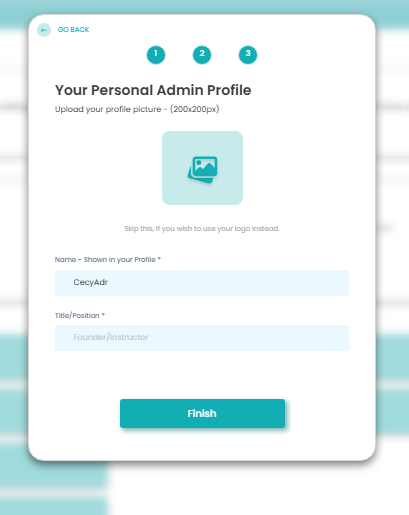
7. Add your personal admin profile.:
Name (prefilled)
Title/position
8. Click 'Finish.'
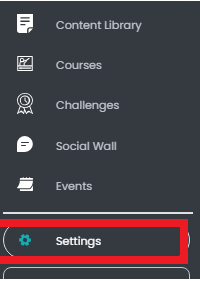
9. To upgrade to a paid account, click ‘Settings.’ Scroll down until you see the ‘Explore Subscriptions’ area.

10. Choose a plan that fits your needs.
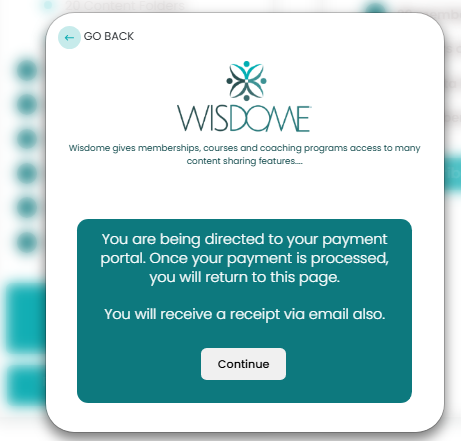
11. Click "Continue."
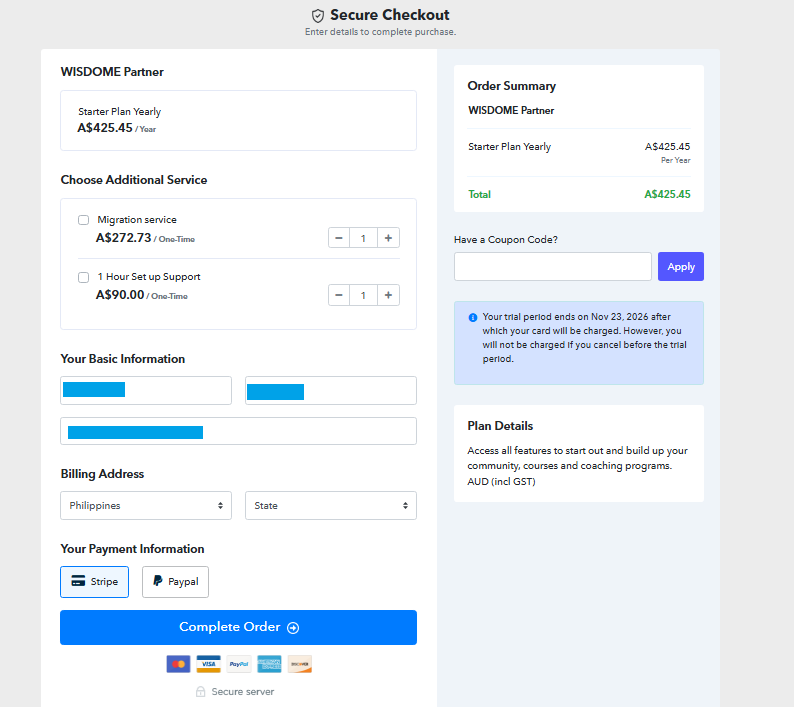
12. Review all the following details:
Plan details
Name
Address
13. Select your payment method, Stripe and PayPal. Click 'Complete Order'.
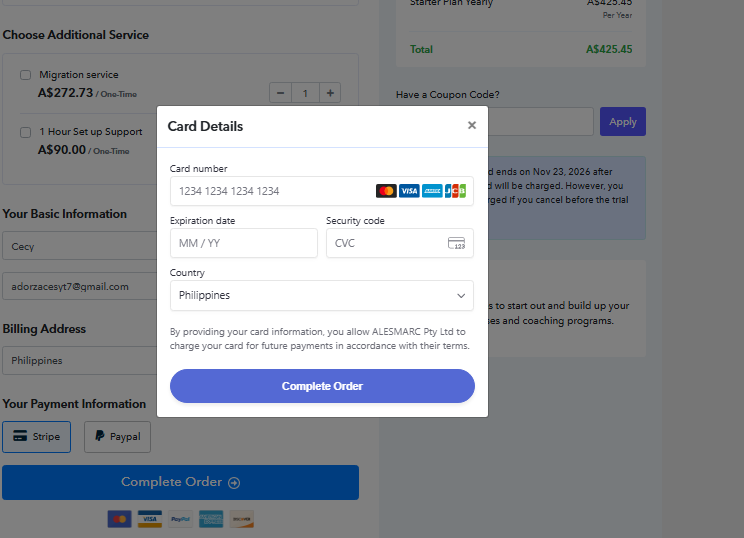
14. Add your payment information and click ‘Complete Order.’
Now that you've set up your account, the next thing to do is create a membership access level. This will help you organise member access and content permissions.
Click here for a step-by-step guide to creating an access level: How to Create Your Membership Access Level.
Do you need our help?
If you have questions or need any assistance, feel free to contact us at userhelp@wisdome.com.au.