
How to Deactivate a Membership Account
Important Notes:
Deleted member data cannot be recovered.
Ensure you’ve exported any necessary information before deletion.
This action is permanent and should only be done when absolutely necessary.
Steps:
Log in to your partner dashboard: https://partner.wisdome.site/dashboard
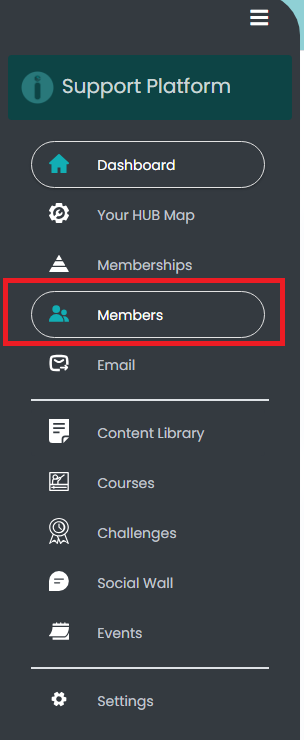
2. Go to 'Members' from the left-hand menu on your dashboard.
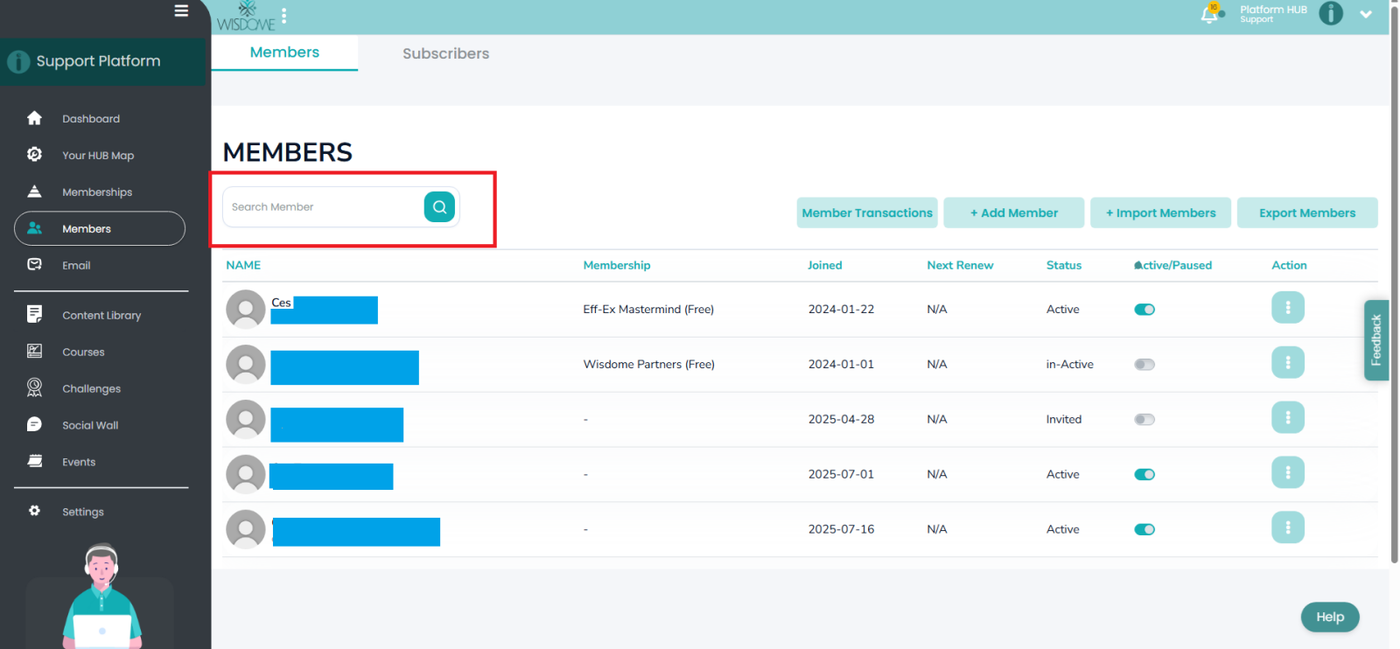
3. Search for the member’s name using the search bar.


4. Toggle off the radio button under the ‘Active/Paused’ column to deactivate the member’s details.

5. Click the More Options menu (⋮) under the ‘Action’ column beside the ‘Active/Paused’ column. Then, click 'Remove.'
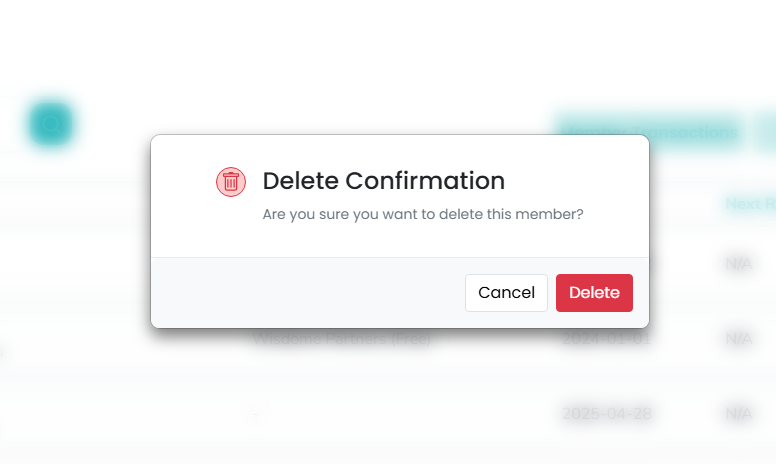
6. Click 'Delete' to confirm your request.
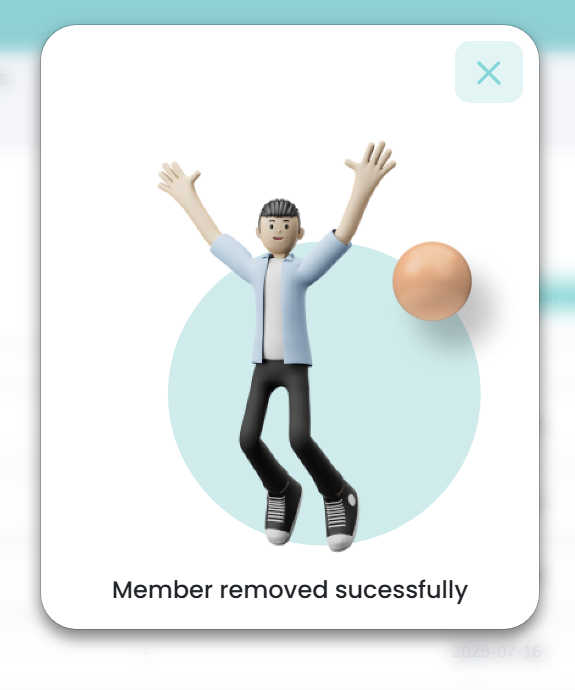
7. You'll see a confirmation message 'Member removed successfully' once your request is completed.