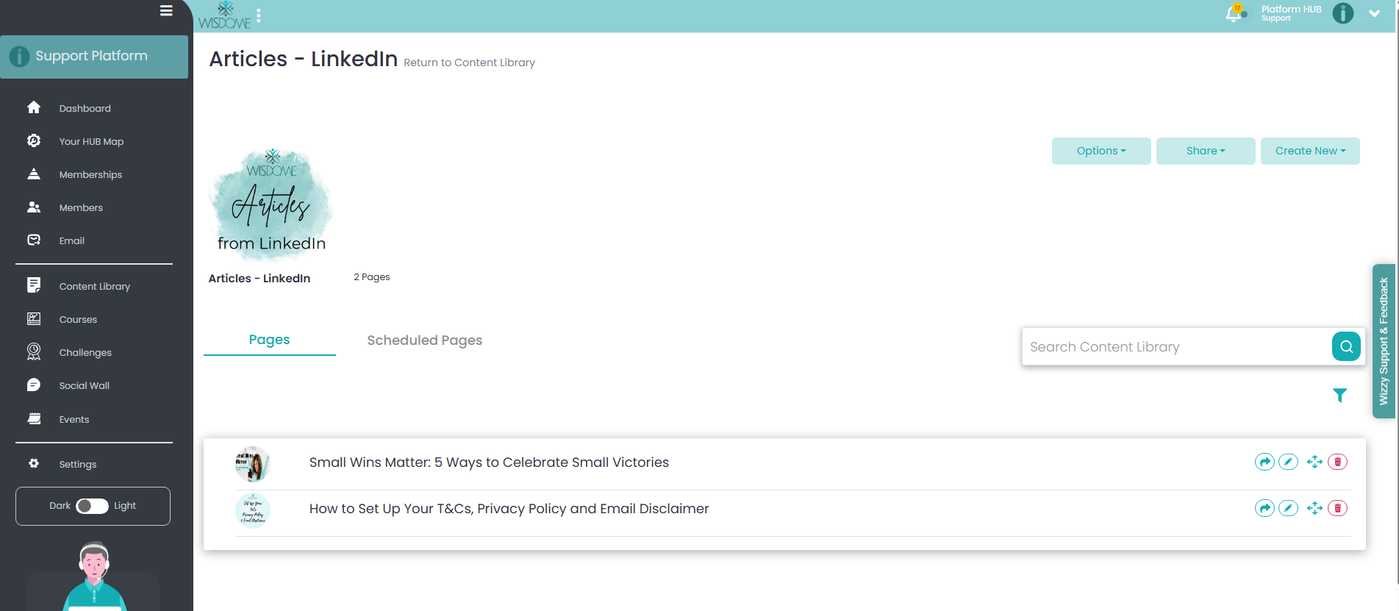
How to Move Content to Another Folder or Subfolder
Watch our demo here:
1. Moving a Page to a New Main Folder
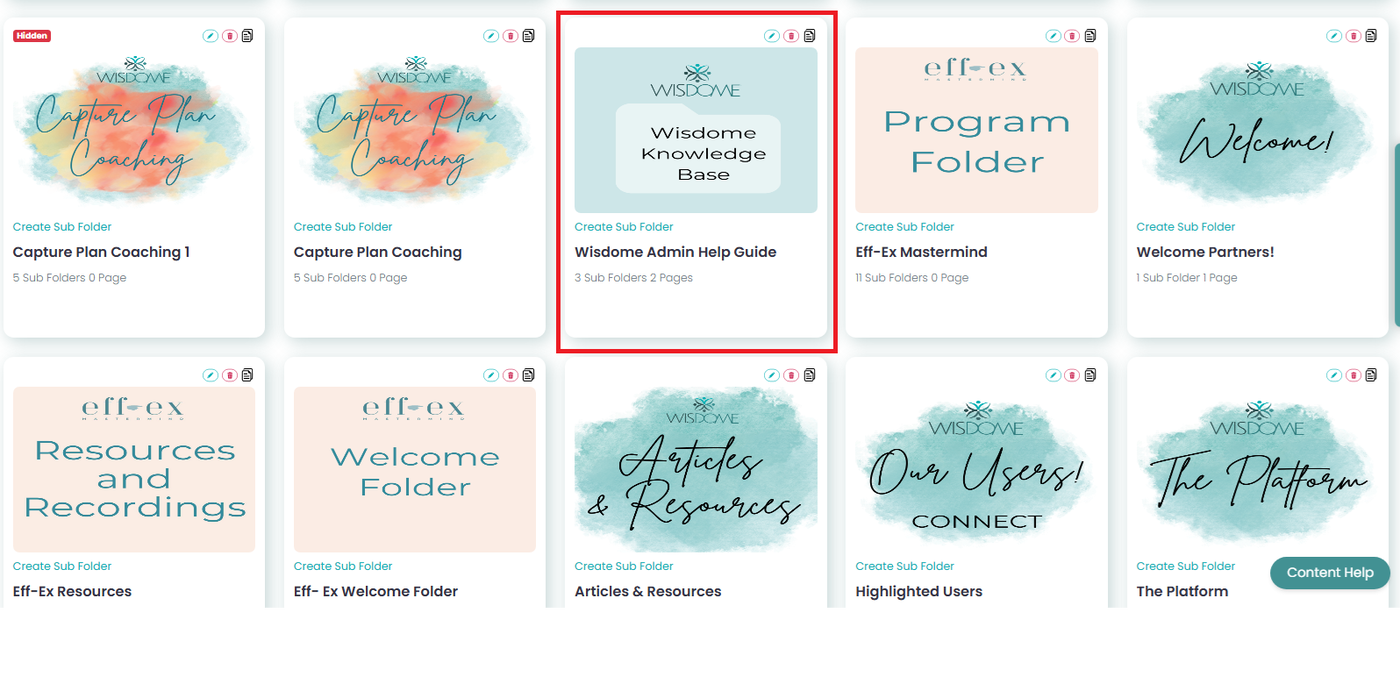
Locate the Content: Navigate to the folder and subfolder where the page is currently hosted.
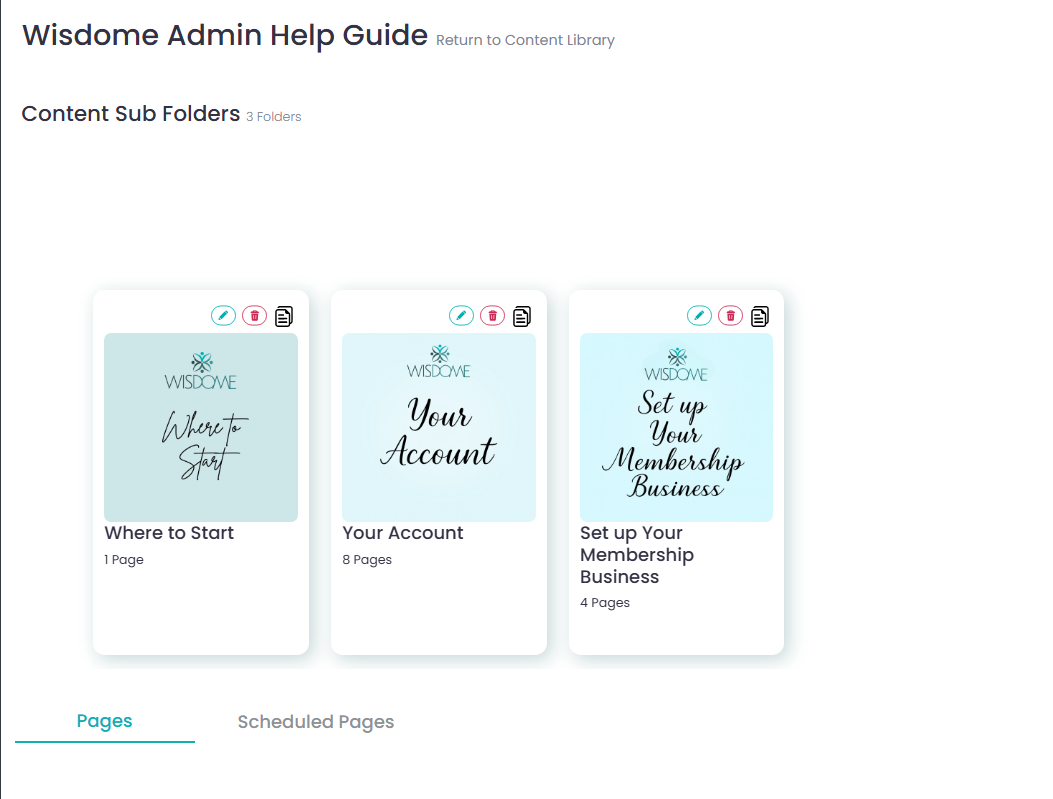
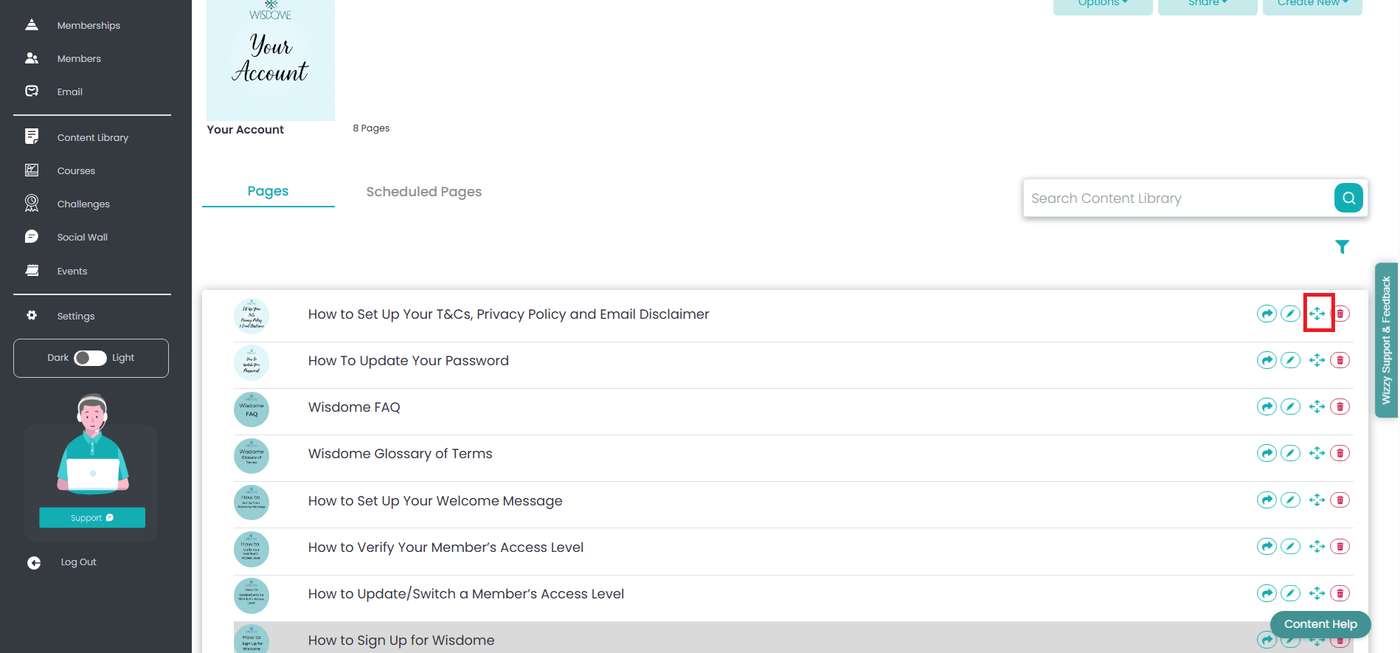
Select the Subfolder and The Content Page: Click on the page you wish to move.

Initiate Move: Click the Move icon located on the right side of the page menu icons.
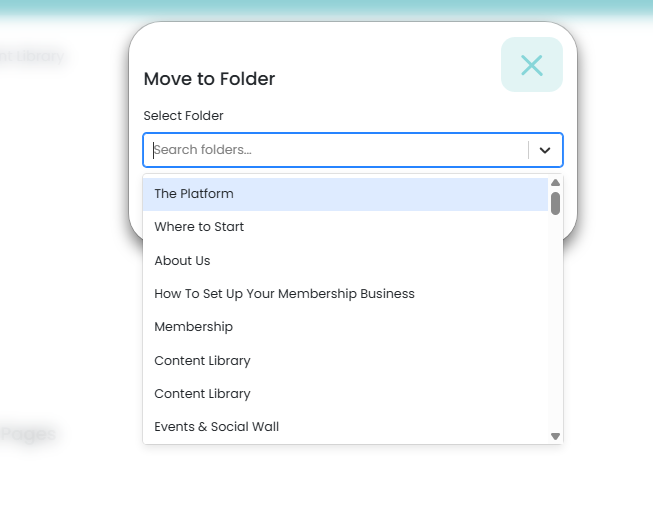
Choose Destination: In the drop-down menu, select the destination main folder or subfolder.
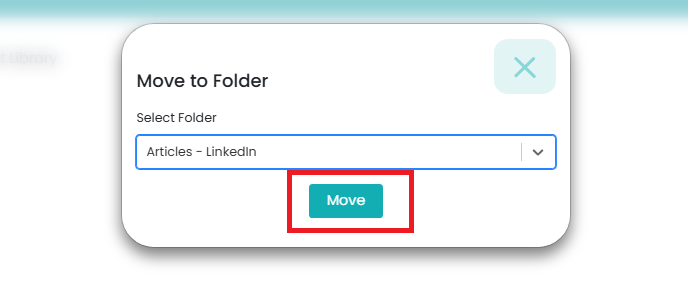
Confirm: Click the Move button to confirm your request. A "Page moved successfully!" notification will appear.

Check your destination folder or subfolder to ensure the file was saved successfully.